Read and navigate
Open PDFs, move between pages, zoom in and switch to full-screen view.
Read, annotate, edit and sign PDFs with on-device processing designed to keep your documents under your control.
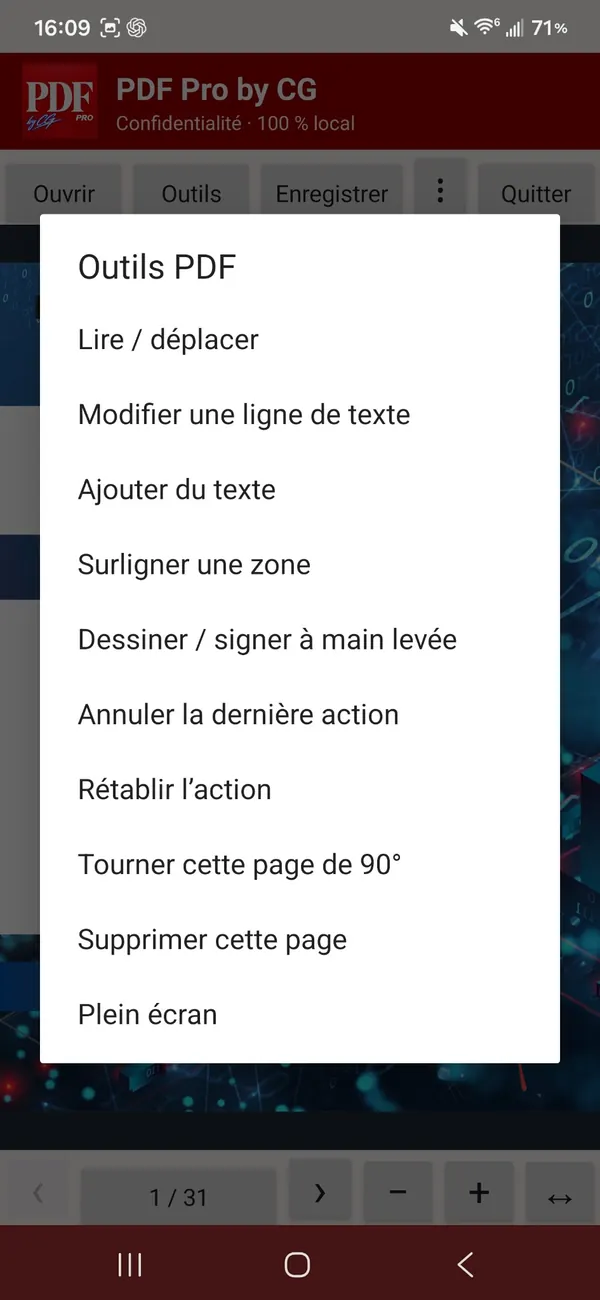
A focused interface, from opening your first file to saving your edits.
Open PDFs, move between pages, zoom in and switch to full-screen view.
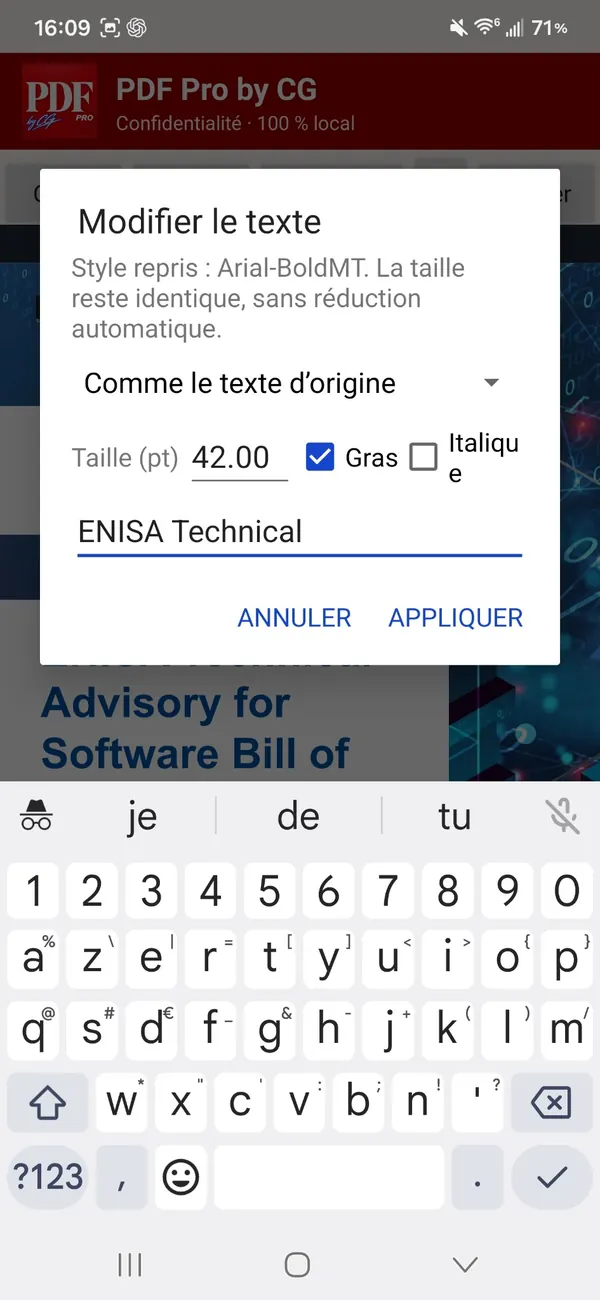
Replace a line of text and adjust formatting with the available controls.
Add text, draw freehand and highlight selected areas.
Draw your handwritten signature directly on a document.
Rotate or remove pages, and undo or redo your actions.
PDF, Word, LibreOffice, Excel, CSV, text, HTML and PNG: several exports are available in beta.
BETA FEATUREExplore the menus and editing tools in Android version 0.8.4.
01 — Edit PDF text
02 — Annotation tools
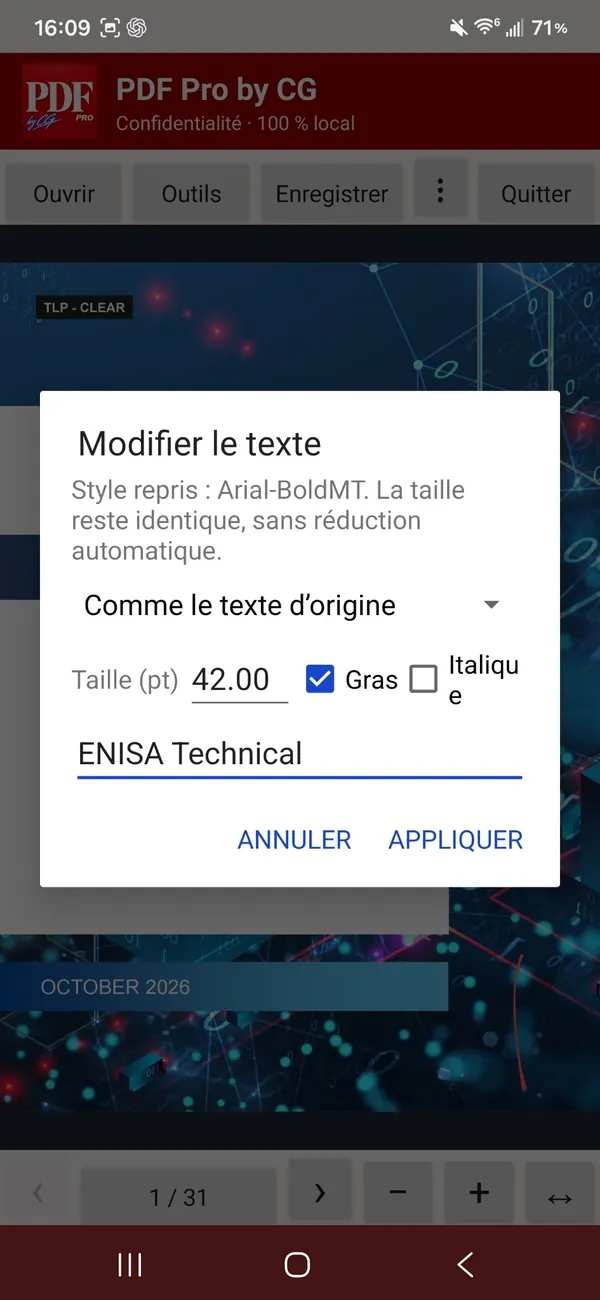
03 — Text formatting
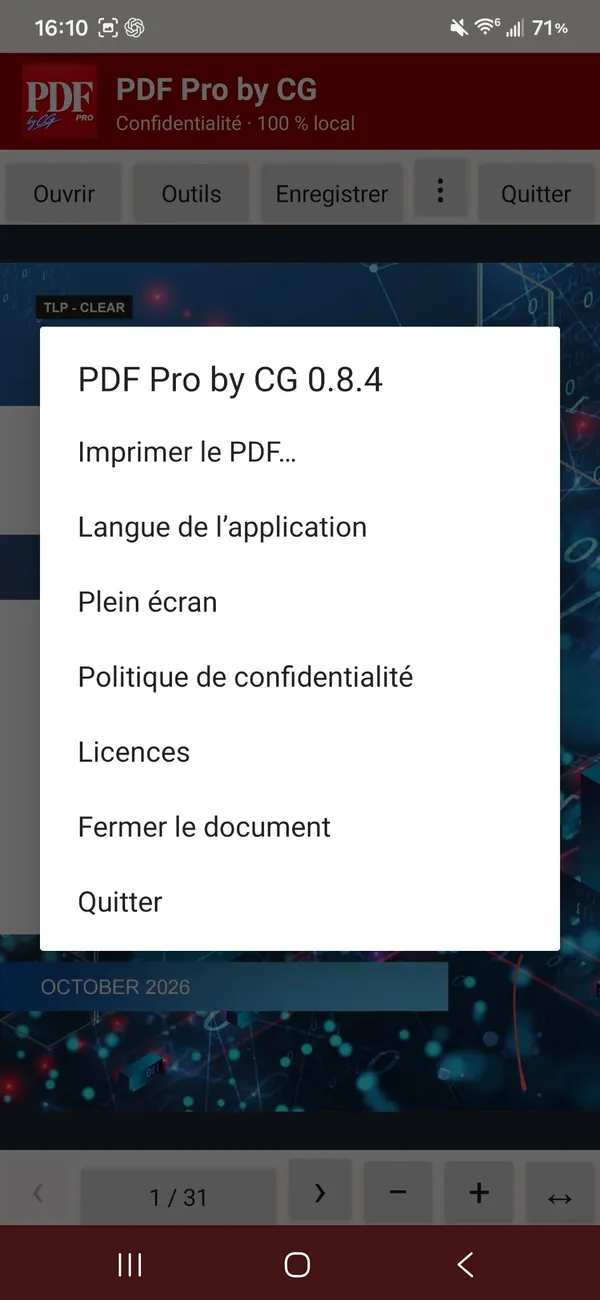
04 — App options
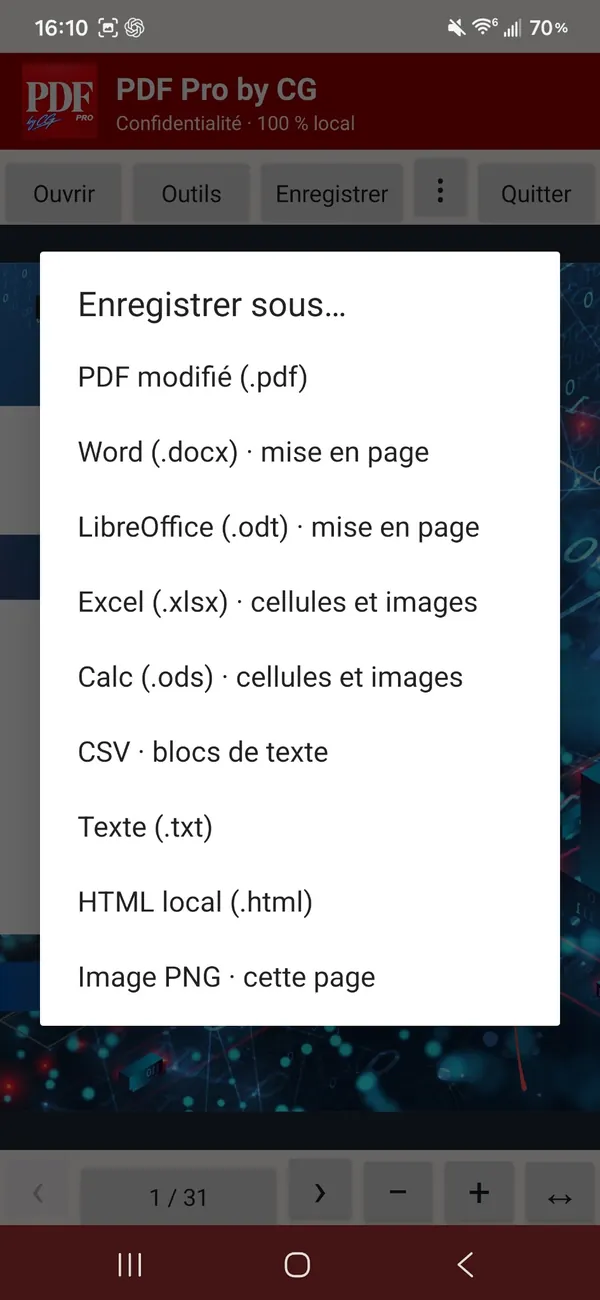
05 — Multi-format export (beta)
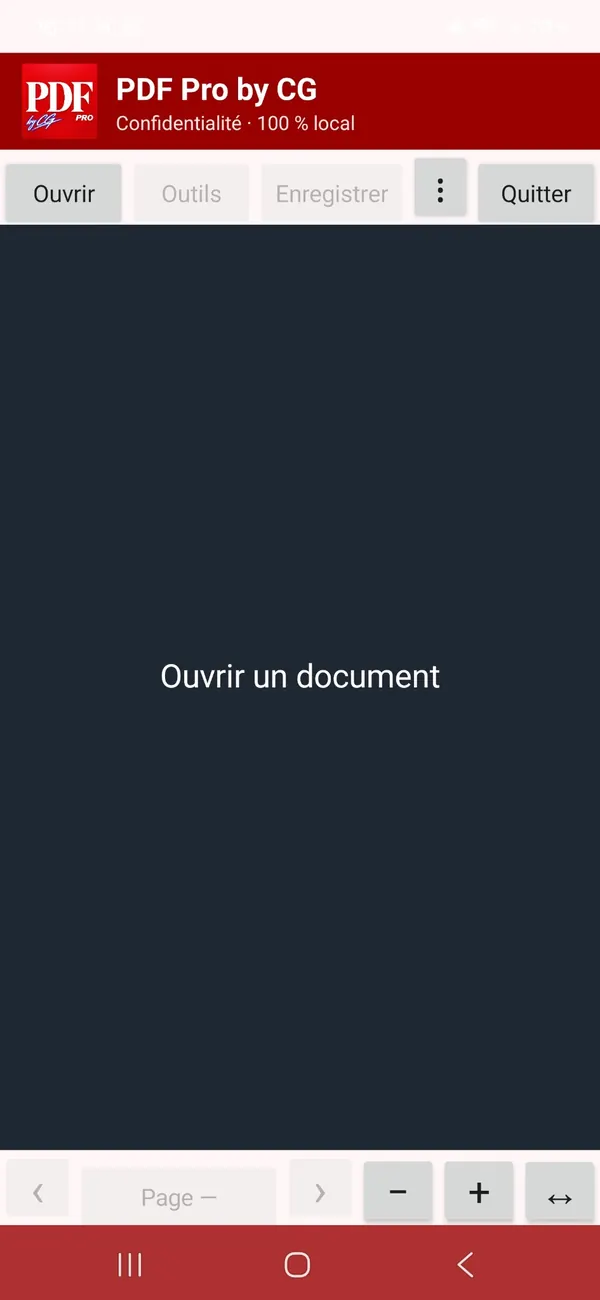
06 — Home screen
Stay in control of your documents. The app is designed to process PDFs locally, with no account and no ads. Exports and printing that you choose may involve Android services and destinations you select.
Read the privacy policy ↗Your PDFs are not sent to the developer’s servers for the app’s local operations.
No mandatory account and no in-app ads.
You select the documents to open and where to save them.
For personal and professional documents alike: paperwork, contracts, records and work files. Planned model: a one-time purchase, no advertising and no subscription.
Android release in preparation. Printing: fix in progress. Other export formats: beta features; layout fidelity depends on document complexity.
Your documents are personal. They should stay that way.

Get in touch with the developer for help or privacy questions. Please do not attach confidential documents to your initial request.